Ari: The Automated R Instructor
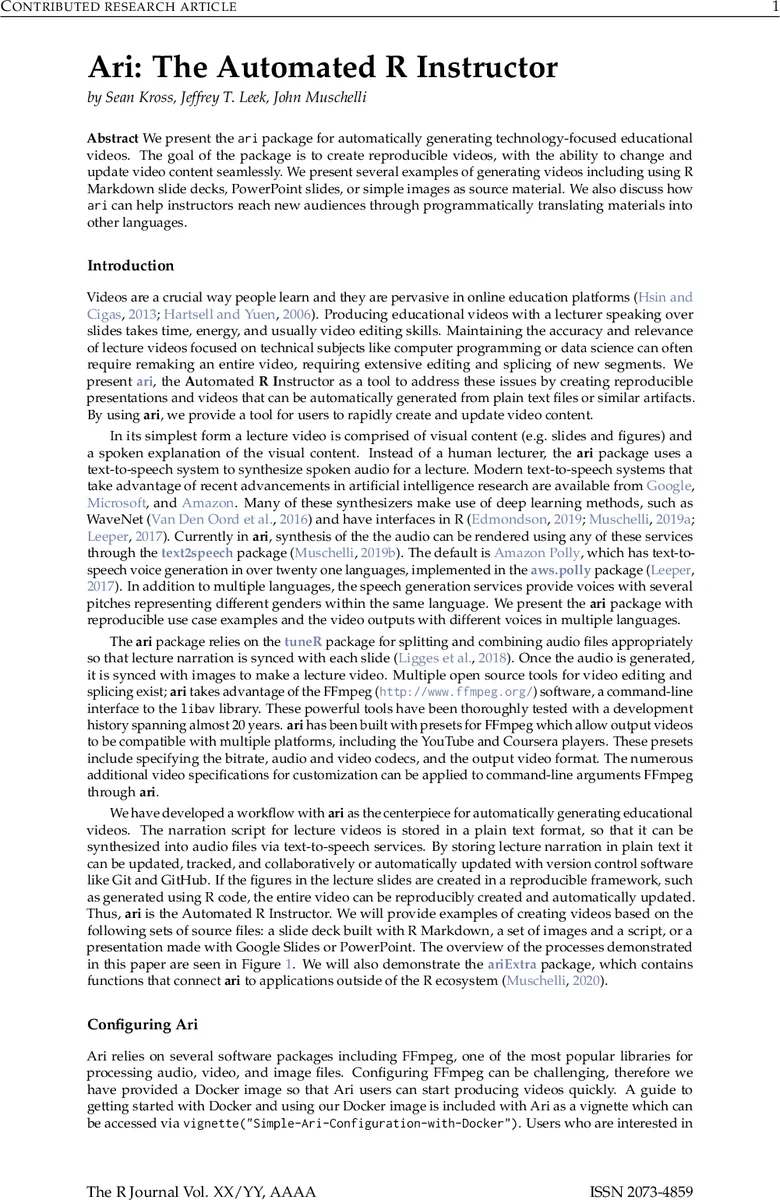
We present the ari package for automatically generating technology-focused educational videos. The goal of the package is to create reproducible videos, with the ability to change and update video content seamlessly. We present several examples of generating videos including using R Markdown slide decks, PowerPoint slides, or simple images as source material. We also discuss how ari can help instructors reach new audiences through programmatically translating materials into other languages.
💡 Research Summary
The paper introduces ari, an R package that automates the creation of technology‑focused educational videos. The authors argue that producing and maintaining lecture videos—especially those that involve code, data visualizations, or rapidly evolving technical content—is labor‑intensive and error‑prone. By treating a lecture as a sequence of visual assets (slides, figures) paired with a spoken narration, ari replaces the human lecturer with a text‑to‑speech (TTS) engine, synchronizes the audio to each visual, and assembles the final video using FFmpeg.
Core Architecture
-
Text‑to‑Speech Integration – ari relies on the
text2speechpackage, which provides a unified R interface to three major cloud TTS services: Amazon Polly, Google Cloud Text‑to‑Speech, and Microsoft Azure Speech. The default is Amazon Polly, supporting over twenty‑one languages and multiple voice profiles (gender, pitch). Authentication is handled via theaws.signaturepackage; users store API keys in their R profile or environment variables. The package also includes helper functions to list available voices and codecs. -
Audio‑Image Stitching – The workhorse function
ari_stitchtakes an ordered list of image files and a matching list of audio objects (paths to WAV files ortuneRWave objects). It constructs an FFmpeg command that repeats each image for the duration of its corresponding audio segment, then concatenates the results into a single MP4 (or any format supported by FFmpeg). Presets for YouTube, Coursera, and other platforms automatically set bitrate, codec (e.g., H.264 for video, AAC for audio), and container format. Users can override defaults viaffmpeg_muxers,ffmpeg_audio_codecs, andffmpeg_video_codecs. -
Input Flexibility – ari can ingest three primary source types:
- R Markdown slide decks – HTML slides are rendered with
rmarkdown, captured as PNGs usingwebshot, and the narration script is extracted from HTML comments (<!-- … -->). Thecapture_methodargument lets users choose between a fast vectorized capture of the whole deck or a slower iterative capture of each slide, which is more robust against rendering glitches. - PowerPoint or Google Slides – The companion package
ariExtraprovides functions (pptx_notes,gs_to_ari,pptx_to_ari) that convert PPTX or Google Slides into PNG images and pull speaker notes as the script. It leveragesreadOffice/oficer,pdftools,docxtractr, andrgoogleslidesto handle the conversion pipeline. - Plain image‑script pairs – Users may simply supply a directory of PNGs and a text file with one line per slide.
- R Markdown slide decks – HTML slides are rendered with
-
Docker Support – Because FFmpeg installation can be a barrier, the authors ship a Docker image (
seankross/ari-on-docker) that contains FFmpeg, the R runtime, and all package dependencies. A vignette (Simple-Ari-Configuration-with-Docker) walks users through pulling the image and launching an R session inside the container, enabling reproducible video builds on any platform. -
Subtitles and Accessibility – Setting
subtitles = TRUEinari_spingenerates an SRT file synchronized with the video. Since the script is stored as plain text, subtitles are automatically available, reducing reliance on platform‑generated speech‑to‑text services. The authors note that technical terms (e.g., “RStudio”, “ggplot2”) may need phonetic spelling in the script to ensure correct pronunciation, and post‑processing of the SRT may be required.
Demonstrations
The paper provides several concrete examples:
- A minimal test using two built‑in PNGs overlaid with white noise to verify FFmpeg output.
- A Shakespeare excerpt (“Mercutio”) rendered with two different voices (“Joanna” – US English female, and “Brian” – British English male) to showcase language and accent variation.
- A full PowerPoint workflow where a PPTX is downloaded, converted to PDF, then PNGs, speaker notes extracted, and finally a video produced with the “Kimberly” voice and subtitles. Each example includes a YouTube link to the resulting video.
Key Insights
- Reproducibility – By keeping the narration script in a version‑controlled text file and generating slides programmatically (e.g., via R code), any change in data or analysis can be propagated automatically to the video without manual re‑recording.
- Scalability – The modular design (separate TTS, stitching, and rendering steps) allows batch processing of large lecture series. Docker ensures that the same environment can be used across collaborators or CI pipelines.
- Multilingual Reach – Because the TTS back‑ends support many languages, a single slide deck can be turned into videos for different linguistic audiences by swapping the
voiceargument and, if needed, translating the script. - Limitations & Future Work – The authors acknowledge that
webshot(which relies on PhantomJS) can be slow or produce artifacts during slide transitions; they suggest exploring headless Chrome or Puppeteer for faster rendering. They also propose integrating automatic translation APIs to fully automate multilingual video generation and adding platform‑specific metadata (e.g., Coursera chapter markers) in future releases.
Conclusion
Ari demonstrates that the entire video production pipeline for technical education can be expressed as code. By leveraging existing cloud TTS services, open‑source multimedia tools, and containerization, the package lowers the barrier to creating, updating, and distributing high‑quality instructional videos. This approach promises substantial time savings for educators, easier maintenance of course material, and broader accessibility through multilingual support and automatically generated subtitles.
Comments & Academic Discussion
Loading comments...
Leave a Comment