A HelloWord textsc{Bib}negthinspaceTeX~stile file .textbf{bst}
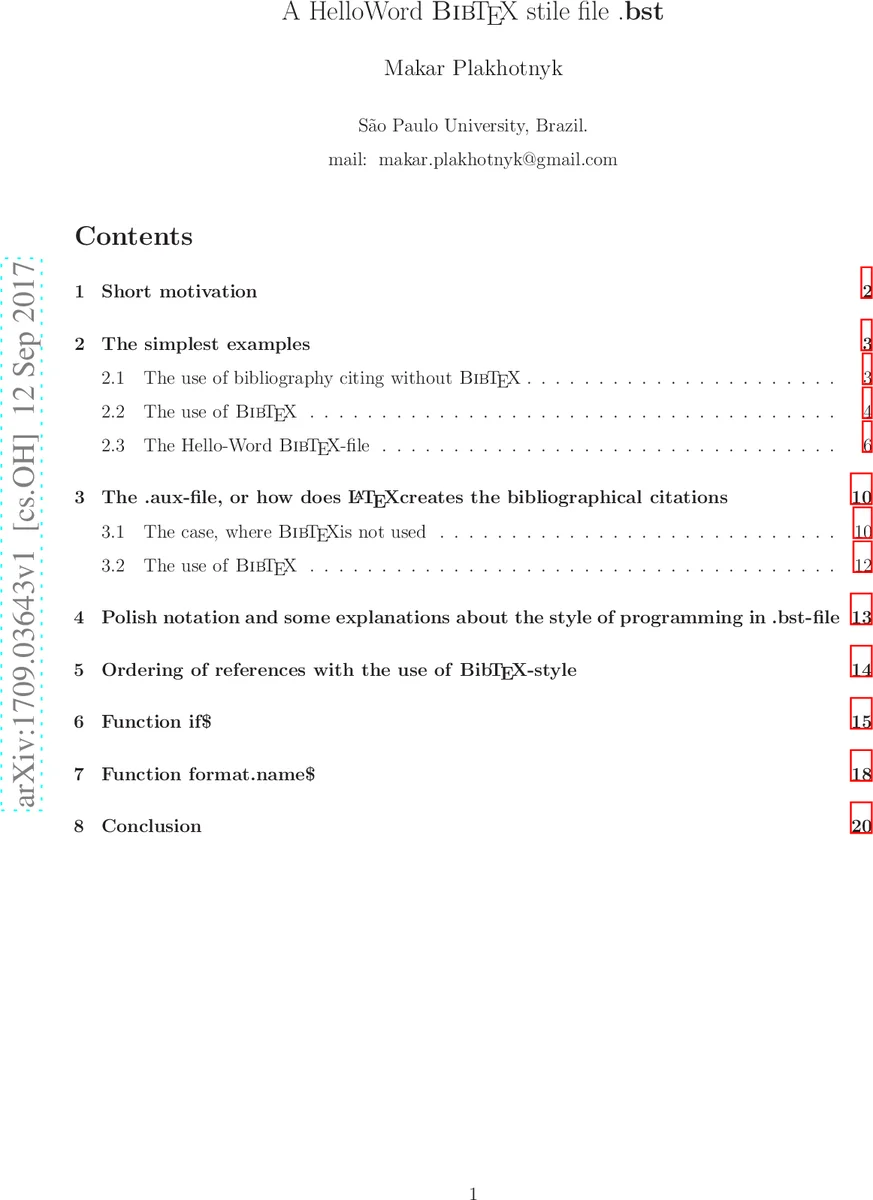
A HelloWord \textsc{Bib}\negthinspace\TeX~stile file .\textbf{bst} is described
💡 Research Summary
The paper presents a hands‑on tutorial for creating a minimal “HelloWorld” BibTeX style file (.bst) and uses this example to explain the inner workings of BibTeX and its interaction with LaTeX. The author’s motivation stems from the need to produce a bibliography style for a mathematical journal where existing .bst files either were unavailable or did not match the journal’s formatting rules. Rather than starting from a complex existing style, the author decides to build a tiny style from scratch and then discuss how it can be incrementally extended.
The first part demonstrates two ways of handling citations. In the “without BibTeX” scenario, the author writes \cite commands directly in a .tex file and manually creates a \thebibliography environment with \bibitem entries. Running LaTeX twice generates a .dvi file where the citation numbers are resolved because the .aux file records \citation and \bibcite lines after the first run. This illustrates why LaTeX must be executed twice when citations are present.
The second scenario introduces a conventional BibTeX workflow. A small .bib database containing an @article and an @book entry is created. The document uses \bibliographystyle{plain} and \bibliography{my}. The standard three‑step compilation (latex → bibtex → latex twice) produces a .bbl file that follows the “plain” style, and the final .dvi shows correctly numbered references. The author points out that the “plain” style is supplied with BibTeX and resides in the texmf tree as plain.bst.
The core contribution is the “HelloWorld” style file, shown in Figure 8 of the paper. The .bst begins with an ENTRY declaration that makes the fields author, title, and journal available to the program. Three functions are defined:
- output.bibitem – writes the opening “\bibitem{
}” line and a newline to the .bbl file. - article – calls output.bibitem, then writes the author field followed by the literal string “(article)”.
- book – analogous to article but appends “(book)”.
The script also defines BEGIN.bib and END.bib functions that write the opening and closing parts of the bibliography environment. The control flow uses the BibTeX commands READ, EXECUTE, and ITERATE. READ tells BibTeX to read the auxiliary file generated by LaTeX; EXECUTE runs a named function immediately; ITERATE { call.type$ } loops over each citation recorded in the .aux file. For each citation, call.type$ determines whether the corresponding .bib entry is of type @article or @book, and then invokes the appropriate function (article or book).
The paper walks through the processing of a sample document (test3.tex). After the first LaTeX run, test3.aux contains lines such as \citation{Ulam-1964} and \bibcite{Ulam-1964}{1}. When bibtex processes test3.aux, it looks up the key “Ulam-1964” in my.bib, finds the @article entry, and executes the article function. The article function first calls output.bibitem, which writes “\bibitem{Ulam-1964}” to test3.bbl, then writes the author field and the literal “(article)”. The same happens for the @book entry, resulting in a .bbl file that contains only the author name and a parenthetical type label. The final .dvi shows citations rendered as “
Comments & Academic Discussion
Loading comments...
Leave a Comment