On the Interpretation of Spreadsheets within their Environment
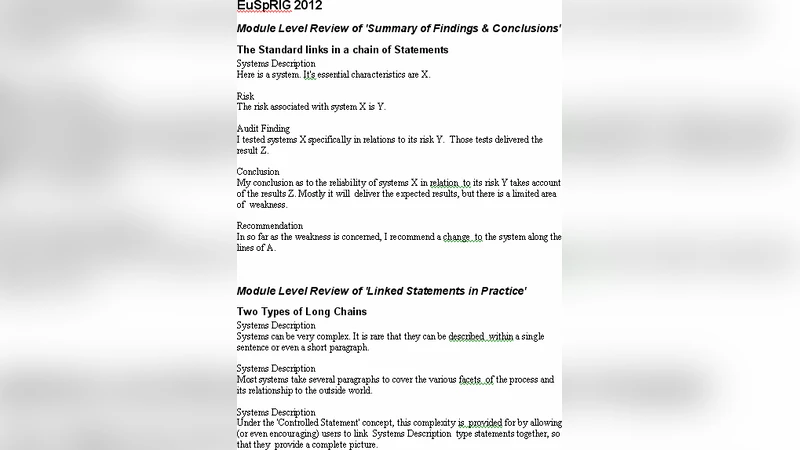
A demonstration in MS Excel to show how users can connect their spreadsheet models to the external environment that the model represents. We employ indexes to generate a list of relevant evidence that is hyperlinked to the context in which the evidence is discussed. The hyperlinks between the index and the contextual discussion have their own specific presentational identity. We contend that these presentational differences aid the integrity and understanding of complex models. Where models are complex, separate individual results can lead to contradictory conclusions. The demonstration includes a methodology for interpreting the analyses within a workbook and presenting them in the form of a standard written report.
💡 Research Summary
The paper presents a practical demonstration of how Microsoft Excel can be extended to serve as a transparent bridge between a spreadsheet model and the real‑world environment it is intended to represent. The authors begin by identifying a common problem: complex spreadsheet models often become “black boxes” because the provenance of input data, the assumptions applied, and the logical flow of calculations are hidden from users and auditors. To address this, they introduce an “evidence index” that automatically catalogs every external data source, parameter, and calculation cell used in the workbook.
The index is generated by a combination of defined names, dynamic arrays, and a lightweight VBA (or Office Script) routine that scans the workbook, extracts metadata such as source type (database, CSV file, web API), connection string, cell address, and the specific assumption attached to each data point. Each index row is given a distinct visual identity—color coding, icons, and border styles—so that users can instantly recognize the nature of the underlying evidence.
Crucially, the index and the model are linked by bidirectional hyperlinks. Clicking an entry in the index jumps to the corresponding cell, chart, or pivot table, while a comment‑style hyperlink embedded in the cell points back to its index entry. This creates a navigable “audit trail” that allows analysts to trace any result back to its source and assumptions without manual searching. The authors demonstrate the value of this approach with a sales‑forecasting scenario that contains two contradictory growth‑rate assumptions. By consulting the index, a reviewer can see which assumption drives each forecast curve, compare the outcomes side‑by‑side, and decide which narrative to present.
Beyond navigation, the paper describes a workflow that converts the indexed workbook into a standard written report. A VBA macro extracts the indexed evidence, formats it into a predefined Word template, and automatically generates a table of contents, reference list, and narrative sections that explain each result in context. This automation reduces transcription errors, enforces consistency, and satisfies regulatory or audit requirements for documentation.
The discussion emphasizes two design principles: “presentation integrity” and “traceability.” Presentation integrity refers to the deliberate visual differentiation of index entries, which guides the analyst’s attention and reinforces the credibility of the model. Traceability is achieved through the bidirectional hyperlinks that make the model’s logical flow explicit. Together, these principles improve model reliability, facilitate peer review, and support decision‑makers in understanding the underlying evidence.
Limitations are acknowledged, including the reliance on VBA (which may be restricted in some corporate security policies), performance concerns for very large workbooks, and the learning curve for users unfamiliar with index creation. The authors suggest future work that leverages Power Query, Power Automate, or low‑code platforms to replace VBA, integrates cloud‑based data sources more seamlessly, and refines the user interface for broader adoption.
In conclusion, the study demonstrates that by systematically indexing external evidence, applying visual cues, and establishing bidirectional hyperlinks, spreadsheet models can be transformed from opaque calculation sheets into auditable, transparent decision‑support tools. This methodology not only enhances the integrity and interpretability of complex analyses but also streamlines the production of formal reports, thereby bridging the gap between spreadsheet modeling and rigorous, evidence‑based business communication.
Comments & Academic Discussion
Loading comments...
Leave a Comment